Who this is for
Traders taking 3+ trades per week who want to know if their edge is real. Traders scaling into or through a funded account. Anyone who has ever said 'I feel like I trade better on Tuesdays' and wondered if the data agrees.
The problem it solves
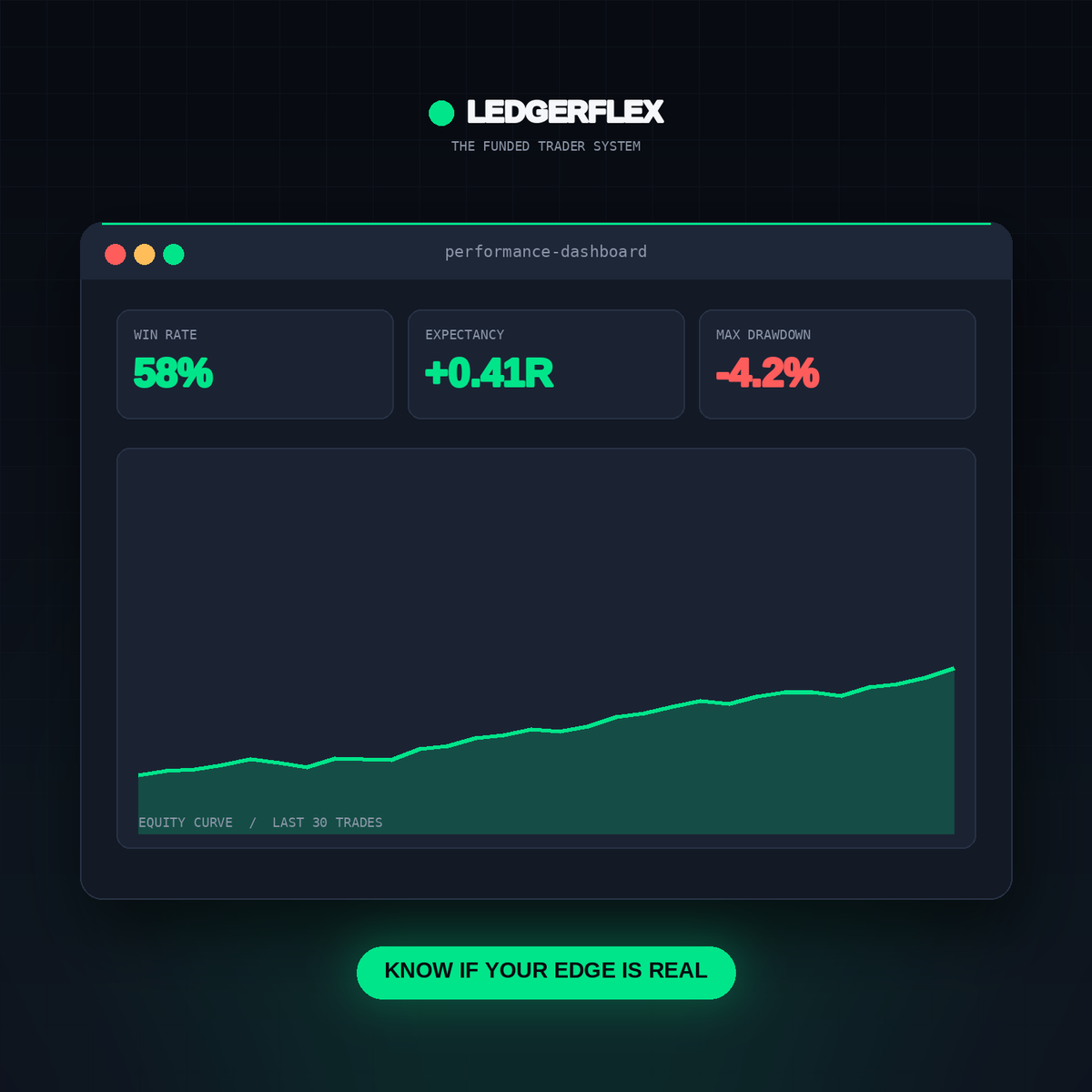
Tracking PnL alone doesn't reveal your edge. You need to know: which setups actually make you money, when you trade tired vs. sharp, and how deep your drawdowns really went. Most trade logs are spreadsheets that show a running total — this one shows your process.
Expected outcomes
What changes after you use it.
- See your true edge — win rate and expectancy per setup — ranked.
- Discover the day of the week and session where you lose most.
- Watch your drawdown from peak equity in real time.
- Correlate mental state (sharp / tired / tilted) to actual P&L.
Key benefits
Why this file, and not another.
- 14-field trade log with auto-calculated R multiple, W/L, and cumulative PnL.
- Setup Dashboard reveals which setups deserve more size and which to drop.
- Day-of-week and Session breakdowns pinpoint your danger windows.
- Drawdown tracker with rolling 5-, 10-, and 20-trade windows.
- Mental state analysis correlates emotional labels to actual outcomes.
- Prop firm progress tracker with real-time distance to profit target and DD line.
What's included
- Google Sheets file with 7 tabs (Trade Log, Setup Dashboard, Day of Week, Session, Drawdown, Mental State, Prop Firm Progress)
- Companion Notion database that mirrors the sheet
- 1,900+ formulas — every formula verified, zero errors
- Sample first row so you see the shape immediately
- README with a 5-step quick-start
Frequently asked
Questions before you buy.
Do I need a Google account?
Yes — to use the Google Sheets version. If you prefer Excel, we recommend the Notion version instead, which mirrors the sheet's structure.
Does it work with Excel?
The .xlsx file opens in Excel, but three of the formulas use Google-Sheets-specific syntax. We provide a Notion database as the primary Excel alternative.
How long does it take to set up?
About 20 minutes: duplicate the sheet, delete the sample row, enter your first three trades. The dashboards start populating automatically after the third trade.
What if I've never used a trade log before?
The README includes a step-by-step 5-minute walkthrough. If you've filled out any spreadsheet before, you can use this one.
Does it auto-import from my broker?
No — by design. Manual logging is part of the discipline. If you want automated import, we recommend a paid tool like TradesViz or Tradervue instead.
Ready to use tomorrow
Trader Performance Toolkit
The trade log that tells you if your edge is real — 7 dashboards, 1,900+ formulas, zero errors.
$19.99$13.99
Instant download · Lifetime updates · No subscription
Trader Performance Toolkit
$19.99$13.99